
Keep your AI plan limits in view.
SageBar puts Claude, Codex, and Grok usage in your Mac’s menu bar, and its dropdown lists every limit with its reset time.
Requires macOS 14 or later on Apple silicon or Intel
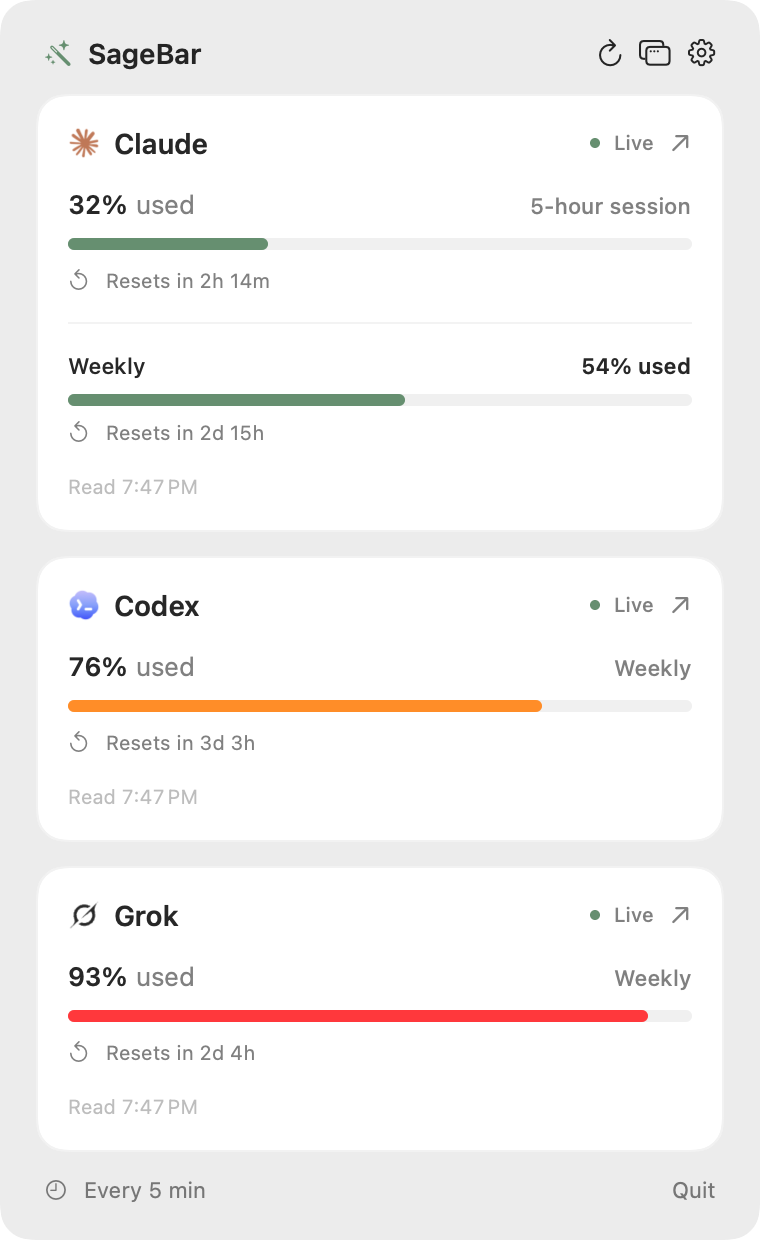
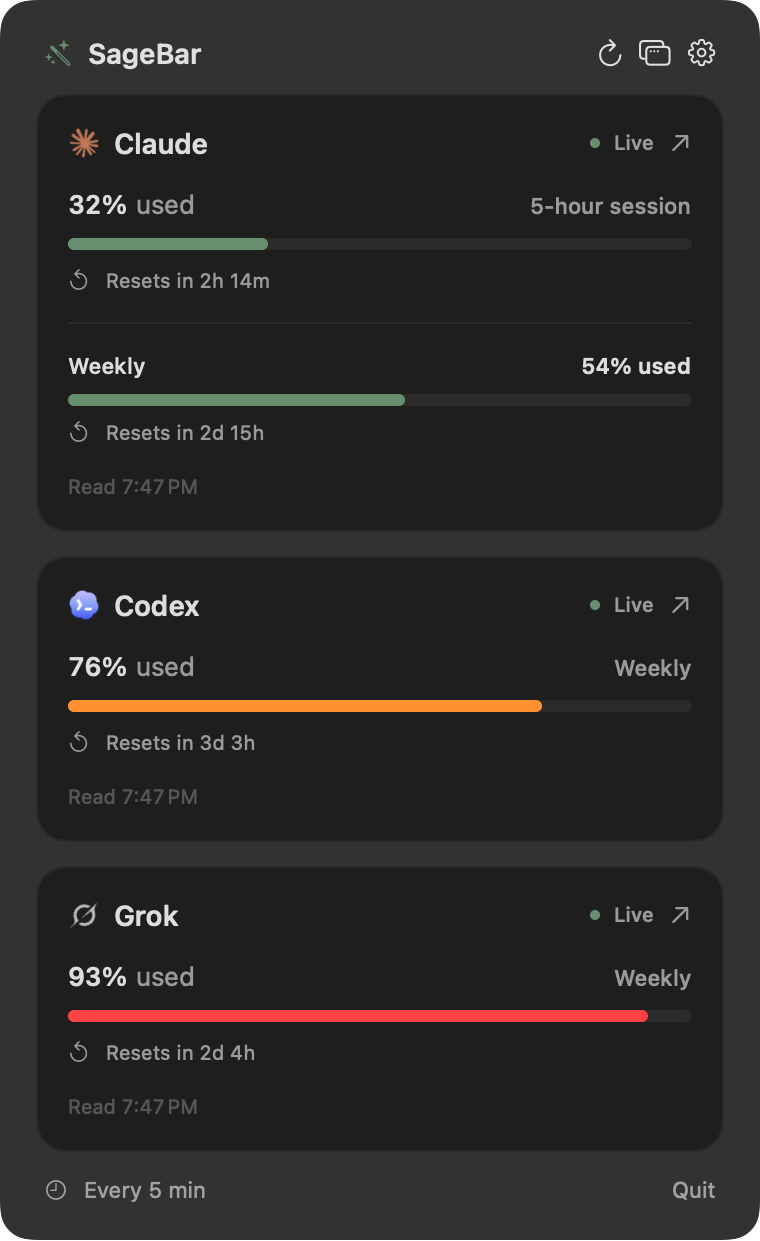
How much you’ve used, at a glance.
Each provider’s logo sits in the menu bar beside how much of its current window you’ve used. Swap the percentages for compact fill bars, and the tooltip still has the exact numbers.
Percentages or compact fill bars
Bars colored by usage: green below 70% used, yellow from 70%, red from 90%
Optional reset countdowns, such as
3d4hUsed or remaining capacity, whichever you prefer to watch
Percentages


Percentages with reset countdowns


Bars


Bars with reset countdowns


Bars colored by usage


Colored bars with reset countdowns


Claude, Codex, and Grok, side by side.
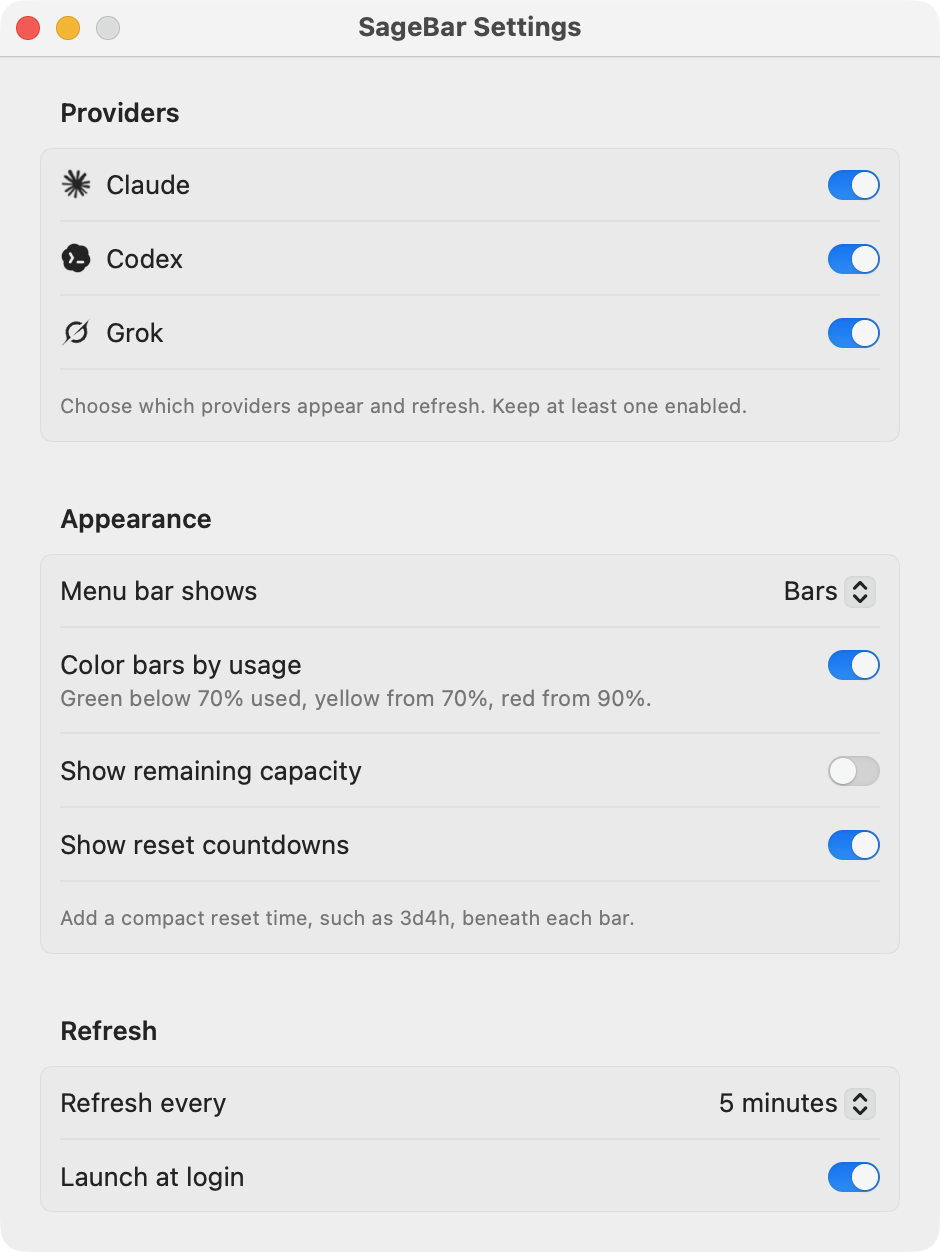
Choose which ones appear in Settings. A provider you turn off disappears from the menu bar and dropdown and stops refreshing, but keeps its saved connection.
Claude
What it shows
Session and weekly limits, each with its reset time. The Fable weekly limit appears when you turn on Show Fable weekly limit.
How it connects
Open Settings and paste a sessionKey from claude.ai’s browser storage, or the Cookie request header from its usage page.
Codex
What it shows
Your Codex limits, with the actual length of each window. The primary window isn’t always five hours.
How it connects
Uses the installed Codex CLI’s documented account/rateLimits/read interface and your existing sign-in. It doesn’t start a chat or spend model tokens. SageBar finds the CLI in Homebrew, /usr/local/bin, ~/.local/bin, or the Codex Desktop app.
Grok
Off by defaultWhat it shows
The shared weekly pool from grok.com’s Settings → Usage tab. Per-product shares are a breakdown of that pool, not separate limits.
How it connects
Turn Grok on in Settings, then paste the whole Cookie request header from any grok.com request, copied from your browser’s developer tools.
Saving a Claude or Grok session turns that provider on, and Disconnect removes the saved session. Claude’s and Grok’s web usage endpoints are undocumented and may change without notice.
Choose what you watch.
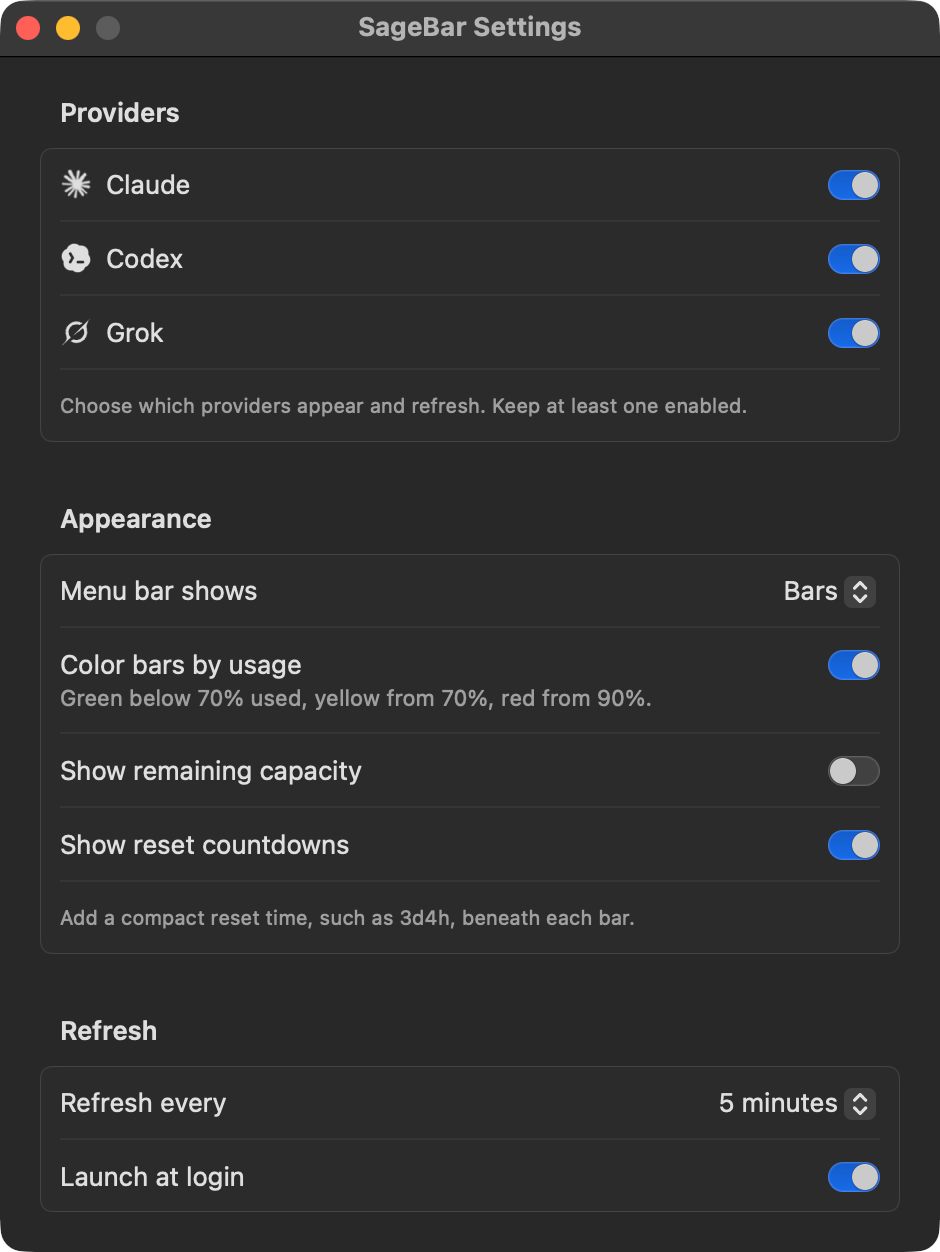
Pick which providers appear, how the menu bar shows them, and whether SageBar starts when you log in.
Which of Claude, Codex, and Grok appear
Percentages or bars, showing used or remaining
Colored bars and reset countdowns
Launch at login
Pop-out window
The window button beside Settings in the dropdown opens the same dashboard in its own window, which stays open while you work. SageBar remembers where you put it, and clicking the menu bar item shows or hides it. Close the window to get the dropdown back.
Your sessions stay on your Mac.
SageBar talks only to the services you connect. There’s no SageBar server, account, or analytics.
Kept in the Keychain
Pasted Claude and Grok sessions live only in your Mac’s Keychain.
Sent only to their own site
Each session goes only to claude.ai or grok.com, over HTTPS. SageBar refuses redirects to other hosts and doesn’t log or store responses.
Codex keeps its own credentials
Codex handles its own sign-in, and SageBar never reads Codex tokens.
No server, account, or analytics
There’s no SageBar server to send anything to and no account to create.
Free and open source.
SageBar is a native Swift app with no dependencies, released under the MIT License. Download the latest zip from GitHub, unzip it, and move SageBar to Applications. Releases are signed with Developer ID and notarized by Apple.
Requires macOS 14 or later on Apple silicon or Intel · MIT License
There’s no Homebrew install or automatic update yet, so new versions are posted on the Releases page.